Almost every business has leave rules, even if they only live in the owner’s head. The harder part is running those rules every single day. Requests come in on WhatsApp, approvals get buried in email threads, and at the end of the month someone opens a spreadsheet to work out who took how many days. One missed message or wrong cell is enough to start an argument about leave balance or salary.
A leave management system is built to remove that daily confusion. If you already have your rules written down in an employee leave management policy, the system is what applies those rules automatically, every time, for every employee.
This guide explains what a leave management system is, how it works step by step, which features actually matter, and how to tell when your business is ready for one.
What Is a Leave Management System?
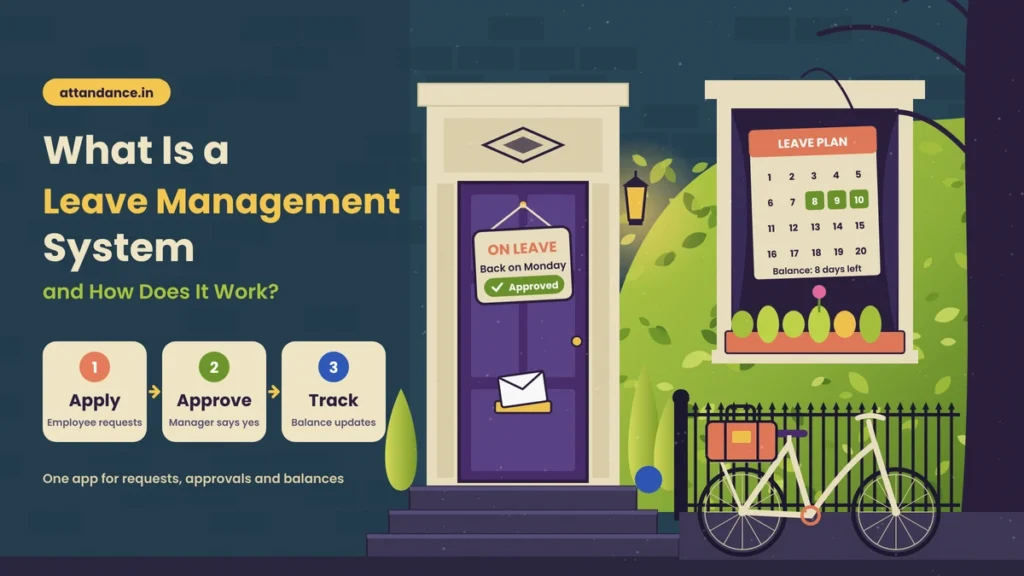
A leave management system is software that lets a business handle employee leave in one place. Employees apply for leave, managers approve or reject it, the system deducts the days from the right balance, and the records stay saved for reports and payroll.
You will also hear it called leave management software, an online leave management system or a leave management app. The names differ, but the idea is the same. It replaces paper forms, chat messages, and manual spreadsheets with one connected process.
It helps to understand how this differs from a leave policy. A leave policy is the rulebook. It says how many casual leaves an employee gets, whether unused leave carries forward, and who approves what. A leave management system is the tool that follows that rulebook. A good policy without a system still depends on someone remembering the rules. A system without a clear policy just automates confusion. You need both.
How a Leave Management System Works
Most leave management systems follow the same basic flow, even if the screens look different.
Leave Types and Rules Are Set Up Once
Everything starts with setup. The admin or HR adds the leave types the company offers, such as casual leave, sick leave, earned leave and unpaid leave. If you are unsure which types to include, our guide on leave policy rules and types of leave in India covers the common ones.
For each type, the admin sets the yearly quota, whether leave is credited monthly or at the start of the year, and whether unused days carry forward. The company holiday list and weekly offs are also added here. The system needs these to count leave days correctly. This setup takes some time at the beginning, but it only has to be done once.
Employees Apply for Leave
When an employee needs time off, they open the app or web portal, choose the leave type and dates, and add a short reason if needed. Before submitting, they can see how much balance they have left. This one detail prevents many disputes, because the employee knows before applying whether the leave will be paid or unpaid.
Managers Review and Approve
The reporting manager gets a notification and can approve or reject the request from their phone. A good system also shows who else in the team is on leave on those dates. This makes it easy to avoid a situation where half the team is away during a busy week.
Balances and Attendance Update Automatically
Once leave is approved, the system deducts the days from the correct balance and marks those dates as leave in the attendance record. The employee shows as on leave instead of absent, so there is no confusion later when checking attendance.
Reports and Payroll Get the Final Data
At the end of the month, HR can see a clear summary of who took how many days and what type. If the system is connected to payroll, unpaid leave flows directly into salary calculation. Nobody has to re-enter the numbers by hand.
Before vs Now
Here is how leave handling changes when a business moves from manual methods to a leave management system.
| Task | Before (Manual Process) | Now (Leave Management System) |
|---|---|---|
| Applying for leave | Message on WhatsApp, email or paper form | Apply from an app in a few taps |
| Approval | Manager forgets or replies late | Instant notification with one-tap approval |
| Checking leave balance | Ask HR and wait for a reply | Balance visible anytime to the employee |
| Holidays and weekly offs | Counted by hand, often wrongly | Calendar set once and applied automatically |
| Month-end salary | Spreadsheet matching and corrections | Leave data flows into payroll |
| Leave records | Scattered across chats and files | Saved in one place for every employee |
| Team planning | No clear view of who is away | Team leave calendar for every date |
Key Features of a Good Leave Management System
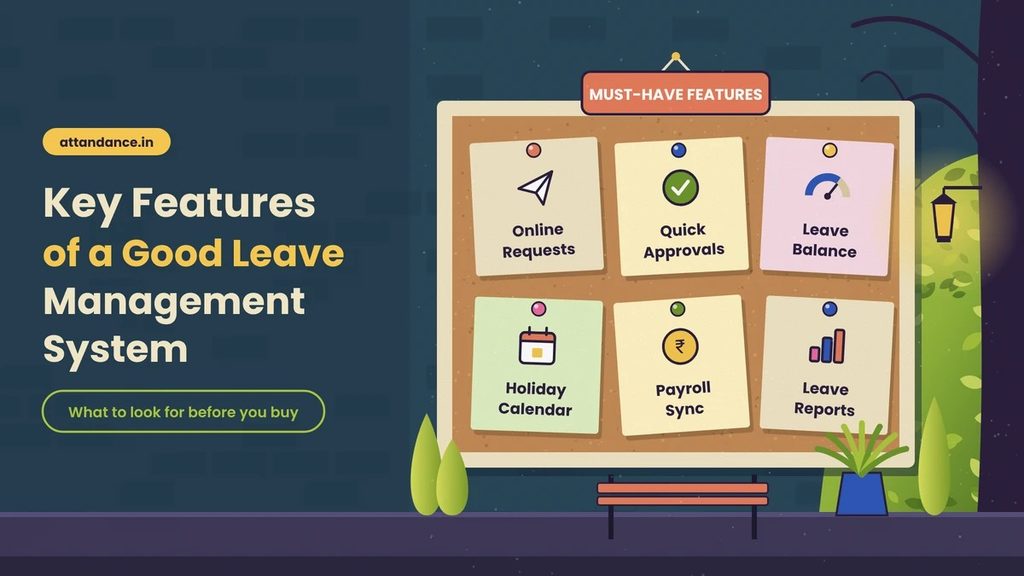
Not every system offers the same tools. These are the features that make the biggest difference in daily use.
- Custom leave types and rules so the system matches your policy instead of forcing you to change it.
- Mobile app access for applying and approving, since most employees and managers live on their phones.
- Real-time leave balance that employees can check without asking HR.
- Holiday and week-off calendar that can handle different holidays for different locations if you have branches in more than one state.
- Team leave calendar for managers to plan work around planned absences.
- Connection with attendance and payroll so leave, attendance and salary all use the same data.
- Reports and history for audits, disputes and planning.
If your business is small, you may not need every advanced option on day one. But attendance and payroll connection is worth having from the start. That is where most manual errors happen.
How It Helps Employees, Managers and HR
For employees, the biggest change is clarity. They know their balance, they know where their request stands, and they no longer have to chase anyone for an answer. Leave becomes predictable instead of stressful.
For managers, approvals stop piling up. They can respond in seconds and see the team calendar before saying yes. That makes it easier to be fair, because every request is judged with the same information.
For HR and business owners, the gain is time and accuracy. The rules are applied the same way every time, records are always available, and month-end salary work becomes a check instead of a calculation. When an employee questions a deduction, the full history is there to show what happened and why.
Signs Your Business Needs a Leave Management System
There is no fixed team size at which you must switch. Some clear signs tell you the manual way is no longer working.
You may need a system if employees often dispute their leave balance, if approvals are delayed because managers miss messages, or if salary has to be corrected after payroll because leave was counted wrong. Businesses with more than one location usually feel the problem sooner, because holidays, managers and records get spread across places. Another warning sign is when only one person knows how leave is calculated. If that person is on leave, the whole process stops.
If two or more of these sound familiar, a leave management system will likely save more time than it costs.
What to Check Before Buying Leave Management Software
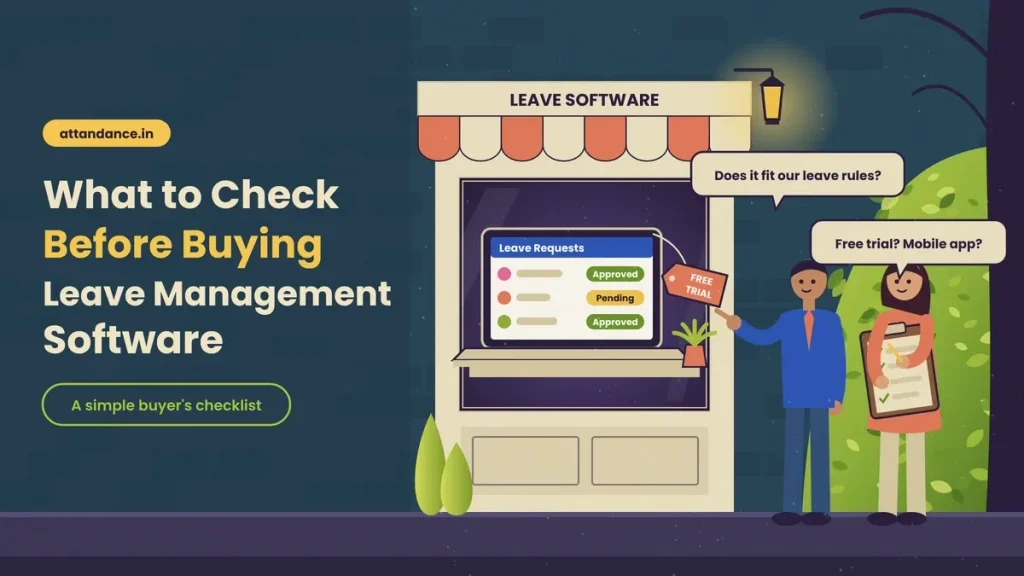
Before choosing leave management software, check whether it can follow your existing rules without workarounds. Indian companies often have specific rules, such as counting weekends between leave days. If your company follows one, read how a sandwich leave policy works and confirm the software can apply it automatically.
Next, check whether leave connects with attendance and payroll in the same tool, or whether you will still export and match data by hand. Make sure both employees and managers can use it on mobile. Look at how pricing works, since many tools charge per user per month. Finally, use the free trial with a small team first. A week of real requests will show you more than any demo.
FAQs
What is the difference between a leave policy and a leave management system?
A leave policy is the set of rules for leave. A leave management system is the software that applies those rules to every request automatically.
Can a small business use a leave management system?
Yes. Many tools charge per user, so a small team pays only for the people it has. Small businesses often benefit the most because they rarely have a full-time HR person.
Can it handle Indian leave types and holidays?
A good system lets you create your own leave types, such as casual, sick and earned leave, and add your own holiday list and weekly offs, including different holidays for different locations.
Does a leave management system connect with payroll?
Many do. When it is connected, approved unpaid leave is passed to salary calculation automatically, which reduces month-end errors.
Is Excel enough to manage employee leave?
For a very small team with simple rules, Excel can work for a while. As the team grows, manual updates, version mix-ups and formula errors make it hard to keep balances accurate.
Final Thoughts
A leave management system brings leave requests, approvals, balances, holidays, and payroll data into one connected process. Employees get clarity, managers get control, and HR stops spending month end fixing spreadsheet mistakes. The best results come when your leave rules are clear first and the system is set up to follow them exactly.
If you want to see how this works in practice, Attendi’s attendance and leave management software handles leave requests, approvals, holidays, and week offs in one app, with attendance and payroll in the same platform. You can try it with your own team before deciding.