QR code attendance for small businesses is one of the easiest ways to move away from paper registers, WhatsApp check-ins, and month-end arguments about who came late. Employees scan a printed QR code with their own phone, and the time is recorded automatically.
Ask the owner of a small shop, clinic, or office how attendance works today, and the answer is usually a register plus memory. That works until salary day. Bigger companies use biometric machines and full HR systems, but for a team of 5, 15, or 50 people, those can feel costly and complicated.
This guide covers the 12 biggest benefits of QR code attendance for small businesses, how it works, which businesses gain the most, its limits, what it costs, and how to get started.
Quick answer: QR code attendance for small businesses lets employees mark attendance by scanning a QR code with their phone when they arrive and leave. The main benefits are low cost, quick setup, contactless check-in, accurate time records, less proxy attendance through location and selfie checks, easy tracking across locations and field staff, real-time visibility for owners, and clean data for salary calculation.
What Is QR Code Attendance for Small Businesses?
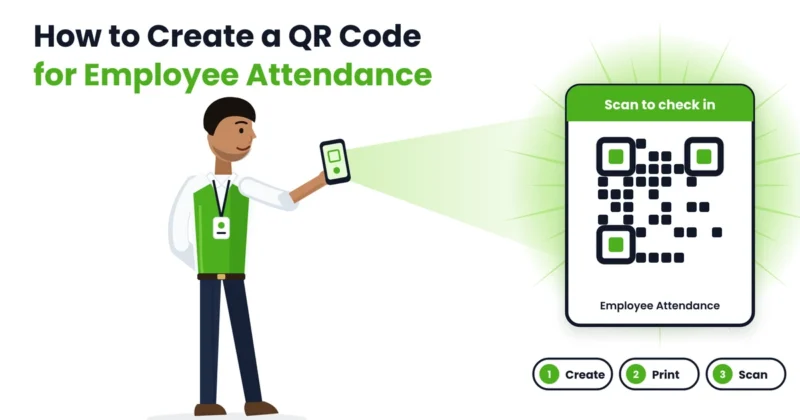
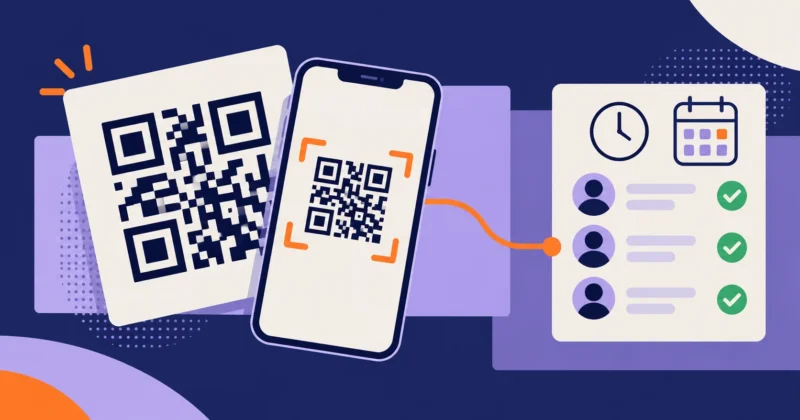
QR code attendance is a way of recording when employees start and end work by scanning a QR code. The code is printed and placed at the entrance, or shown on a screen. Employees open an attendance app, scan it, and their check-in is saved with the date, time and often their location.
There’s no machine to install. That’s why QR code attendance for small businesses has become a popular first step away from paper. You can learn more in our QR code attendance guides.
How QR Code Attendance Works in a Small Business
The process is short and easy:
- Set up your business in an attendance app, add employees and create a QR code for each location.
- Print the QR code and place it near the entrance, counter or staff area.
- Employees install the app and log in with their own account.
- On arrival, they scan the QR code. The app records the time and, if turned on, their location or a selfie.
- At the end of the day, they scan again to check out.
- The owner sees attendance in real time, including late arrivals and absences.
- At month end, reports are ready for salary calculation.
Before vs Now: Small Business Attendance With and Without QR Codes
| Area | Before (register or WhatsApp) | Now (QR code attendance) |
|---|---|---|
| Recording time | Written by hand, often later | Recorded automatically on scan |
| Cost | Registers, time, and errors | No machine to buy, uses existing phones |
| Proxy attendance | Easy to sign for a colleague | Harder with personal login, location, and selfie checks |
| Late arrivals | Noticed only if someone is watching | Shown automatically |
| Multiple locations | Separate registers, no overview | One view of every location |
| Field staff | Calls and messages to check in | Scan at the site or check in with location |
| Leave | Verbal requests, easy to forget | Applied and approved in the app |
| Salary calculation | Counting days by hand | Reports ready at month end |
| Disputes | Common on salary day | Fewer, since records are clear |
| Owner visibility | Only when present at the shop | Real time, from anywhere |
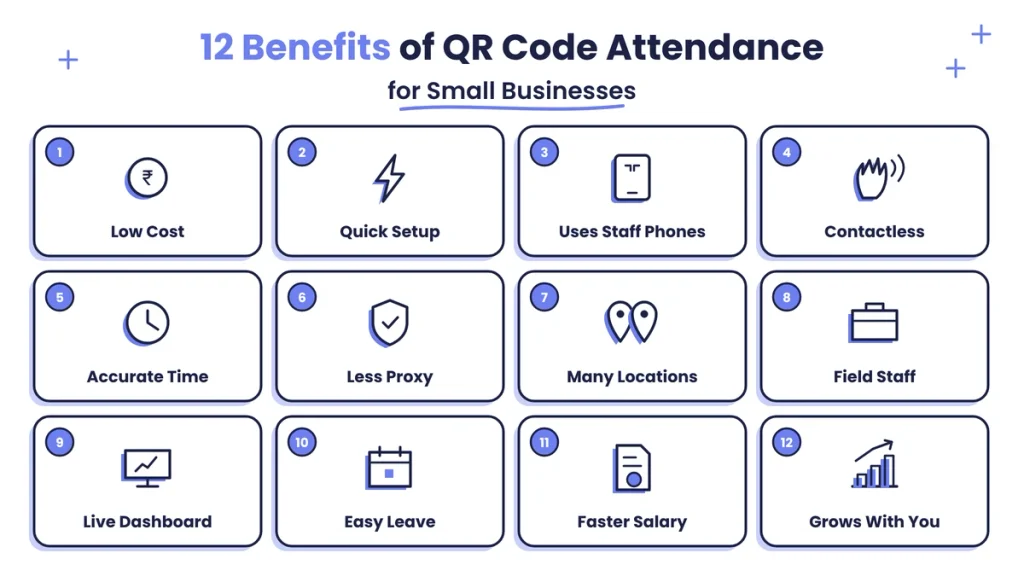
12 Benefits of QR Code Attendance for Small Businesses
1. Low Cost to Start
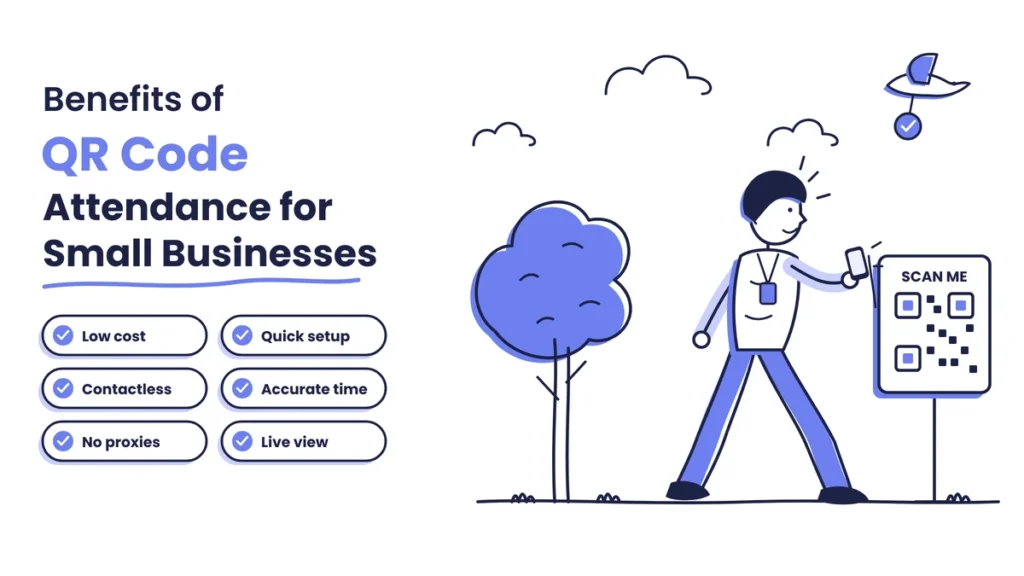
The first benefit of QR code attendance for small businesses is cost. There’s no biometric machine to buy, install or repair. A printed QR code and the phones your team already carries are enough.
2. Quick and Simple Setup
Most small businesses can start in a single day. Create an account, add employees, print the code, and stick it on the wall. No wiring, no technician, and no long training.
3. Uses Phones Employees Already Have
Nearly every employee has a smartphone and already scans QR codes for digital payments. That makes QR code attendance for small businesses easy to adopt, even for staff who aren’t comfortable with technology.
4. Contactless Check-In
Nobody touches a shared device. Each person uses their own phone. That’s cleaner for clinics, kitchens, salons, and food businesses. There’s also no queue at a single machine during the morning rush, because several people can scan at the same time from their own phones.
5. Accurate Time Records
Every scan records the exact time. No more “I came at 9; I just forgot to sign.” Accurate records mean fair late marks and correct working hours.
6. Less Proxy Attendance
With a register, anyone can sign for a colleague. QR code attendance for small businesses makes this much harder because:
- Each employee logs in with their own account.
- Location checks confirm the person is at the workplace.
- A selfie at check-in confirms who is scanning.
- Dynamic QR codes that change regularly stop people from scanning an old photo.
7. Works Across Multiple Locations
Run two shops, a warehouse and an office? Give each location its own QR code and see attendance for all of them in one dashboard. You can compare branches, spot staff shortages early and move people where they’re needed, without collecting registers from every site.
8. Ideal for Field and Site Staff
Sales staff, technicians, delivery teams, and site workers rarely visit the main office. They can scan a QR code at a client site or check in with location, so you know when work starts without endless calls.
9. Real-Time Visibility for Owners
Owners are often out buying stock, meeting clients, or visiting another branch. With QR code attendance for small businesses, they can check who is in, late, or absent from their phone at any time.
10. Easy Leave and Corrections
Employees apply for leave and request corrections for missed scans in the same app. The owner approves with a tap, and everything is recorded.
11. Faster and Fairer Salary Calculation
At month end you get days present, absences, late marks, half days, and working hours for every person. No more counting entries in a register. Our payroll and working hours guides explain how attendance links to salary.
12. Grows With Your Business
Adding a new employee or location takes minutes. Whether you have 5 people today or 50 next year, the same system works without new hardware.
Bonus Benefit: More Trust in Small Teams
In a small team, everyone knows everyone, and attendance arguments can quickly turn personal. QR code attendance for small businesses takes the guesswork out. The same rules apply to every person, records are visible to employees as well as the owner, and corrections follow a clear process.
Honest employees are protected because their punctuality is on record. Owners no longer need to watch the door or question people. Over time, that clarity builds a calmer, more trusting workplace.
Is QR Code Attendance Right for Your Business?
It’s likely a good fit if you can say yes to most of these:
- You have between 3 and 100 employees.
- Most of your staff carry smartphones.
- You want to stop using a paper register or WhatsApp check-ins.
- You have more than one location, or staff who work in the field.
- You don’t want to buy and maintain a biometric machine.
- You want ready reports for salary at month end.
If most of these sound like your business, QR code attendance for small businesses is worth trying.
Which Small Businesses Benefit Most?
QR code attendance for small businesses works especially well for:
- Retail shops and showrooms with fixed hours.
- Restaurants, cafes and cloud kitchens where contactless check-in matters.
- Clinics, diagnostic centres and pharmacies with shifts.
- Salons and spas with staff on different hours.
- Small offices and agencies that don’t want a machine on the wall.
- Coaching centres and institutes for staff attendance.
- Contractors and service businesses with workers at different sites.
- Warehouses and small factories that want a low-cost start.
- Businesses with field teams in sales, installation or delivery.
A Typical Day With QR Code Attendance
Here’s how a normal day looks in a retail store with eight staff after switching to QR code attendance.
At 9:50, the first employee scans the QR code at the staff door and opens the shutters. By 10:05, six more have scanned in. One arrives at 10:14, past the grace time, and the app marks a late arrival on its own. Nobody has to note it down.
The owner, at the wholesale market, opens the app at 10:30. Seven of eight staff are in, and one has applied for a half day, which the owner approves with a tap.
In the evening everyone scans out. At month end, the owner downloads one report and works out salaries in minutes instead of spending an afternoon with the register.
QR Code Attendance vs Register vs Biometric
Small business owners usually compare three options:
- Paper register: free to start, but easy to manipulate, slow to total and full of disputes. No visibility when the owner is away.
- Biometric machine: accurate and hard to cheat, but needs a device per entrance, installation, power backup and maintenance. It doesn’t help with staff working away from the office.
- QR code attendance: low cost, quick to set up, works across locations and for field staff, and much harder to cheat than a register when location and selfie checks are on.
For most small teams, QR code attendance for small businesses gives the best balance of cost, ease and control. As the business grows, face recognition can be added on the same software.
What Does QR Code Attendance Cost?
Because there’s no hardware, the main cost is the attendance app subscription, usually charged per employee or per month. Beyond that, you only print the QR code and spend a little time setting rules.
Compared with the hours lost every month counting registers and settling disputes, most owners find QR code attendance for small businesses pays for itself quickly. Check pricing, free trials and included features before choosing a provider.
Limitations to Know Before You Start
QR code attendance for small businesses is simple and affordable, but it has a few limits:
- It needs a smartphone. For staff without one, allow check-in on a shared device with a supervisor’s confirmation.
- It needs internet to sync. Pick an app that stores scans offline and syncs later.
- A photo of the QR code can be shared. Use location checks, selfies or dynamic QR codes to stop scanning from home.
- Phones can run out of battery. Allow correction requests for genuine missed scans.
Where proxy attendance is a serious problem, some businesses combine QR with face recognition for extra checks.
How to Get Started With QR Code Attendance for Small Businesses
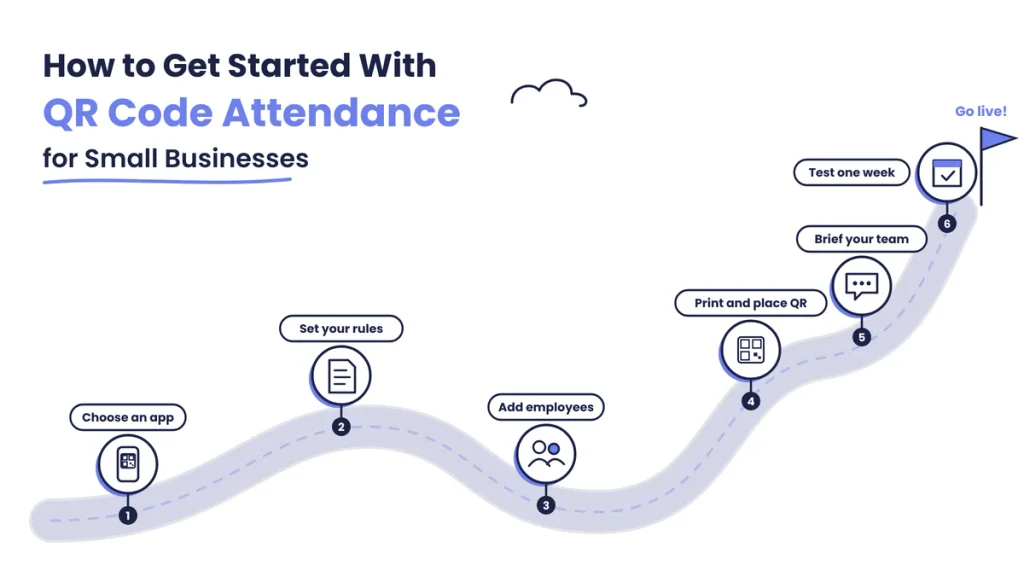
- Choose an attendance app with QR check-in, location checks, leave and reports.
- Set your rules: working hours, grace time, half days, weekly offs and holidays.
- Add your employees with names, phone numbers and shifts.
- Print and place the QR code at the entrance or staff area, at an easy height and away from glare.
- Explain it to your team in five minutes: how to scan in and out and what to do if a scan fails.
- Run it alongside your register for a week, check that everything matches, then switch fully.
For more on simple attendance routines, see our attendance management guides.
Tips to Get the Most From QR Code Attendance
- Turn on location checks so scans only count when the employee is at the workplace.
- Use a selfie at check-in if you’ve had problems with proxy attendance before.
- Choose dynamic QR codes that refresh regularly, especially at busy entrances.
- Set a sensible grace time, such as 10 minutes, and apply it to everyone.
- Review the daily report each morning for missing scans and late arrivals.
- Give staff access to their own records so they can spot and fix mistakes early.
- Revisit your rules every few months as your team and shifts change.
Small habits like these make QR code attendance for small businesses accurate, fair and easy to run.
Common Mistakes to Avoid
- Placing the QR code where it can be scanned from outside the workplace.
- Leaving location or selfie checks off when proxy attendance is a concern.
- Skipping rules for grace time and half days.
- Not allowing correction requests for genuine missed scans.
- Running the paper register for months alongside the app.
- Ignoring the daily report until salary day.
Final Thoughts
Attendance in a small business shouldn’t need an expensive machine or a complicated HR system. It should be simple, accurate and fair. QR code attendance for small businesses delivers exactly that: a printed code, the phones your team already carries and an app that does the counting.
The benefits add up fast. Less time on registers, fewer arguments on salary day, honest records across every location and a clear view of your team even when you’re away. Start small, set clear rules, and within a month attendance becomes one less thing to worry about.
Track Attendance Easily With Attendi
Attendi is an attendance management platform built for Indian businesses of every size. Employees can check in with QR code attendance, face recognition or field attendance with location, all from their phone. Check-ins sync in real time to a central dashboard, custom settings let you set shifts, grace time, leave and holidays, and working hours flow into payroll. Employees can see their own records, which keeps things transparent. If you’re ready to move your small business away from registers, explore Attendi and see how quickly you can get started.
Frequently Asked Questions
What is QR code attendance for small businesses?
It’s a simple way for small businesses to record attendance. Employees scan a QR code with their phone when they arrive and leave, and the app saves the time and, if enabled, the location.
Is QR code attendance good for small businesses?
Yes. It’s low cost, quick to set up, needs no special hardware and works well for small teams, multiple locations and field staff.
Do I need to buy a machine for QR code attendance?
No. You only need a printed QR code or a screen showing it. Employees use their own smartphones with an attendance app.
Can employees cheat with QR code attendance?
It’s much harder than with a register. Personal logins, location checks, selfies and dynamic QR codes make proxy attendance far less likely.
What if an employee doesn’t have a smartphone?
Let them check in on a shared device with a supervisor’s confirmation, or use another attendance method for them.
Does QR code attendance work without internet?
Many apps store scans offline and sync when the internet returns. Check for this feature if your workplace has weak signal.
Can QR code attendance be used for field staff?
Yes. Field staff can scan a QR code at a client site or check in using location, so you know when they start work.