Walk into almost any factory, hospital or large office in India and you will see a small device near the entrance. Employees place a finger on it or look into its camera for a second, hear a short beep and walk in. That device has quietly replaced the attendance register in thousands of workplaces.
But what exactly happens in that one second? How does the machine know who you are, where does the data go, and is it really more accurate than a register or a card? This guide explains what a biometric attendance system is, how it works step by step, the main types, and what to check before you buy one. If you are still deciding how to fix attendance problems in general, our guide on how to track employee attendance without errors is a good place to start.
What Is a Biometric Attendance System?
A biometric attendance system records attendance using a feature of the human body that is unique to each person, such as a fingerprint, the face or the iris. Instead of signing a register or swiping a card, the employee proves who they are with their own body, and the system notes the exact time of entry and exit.
The word “biometric” simply means measuring physical traits. Because no two people share the same fingerprint or face pattern, it becomes very hard for one employee to mark attendance for another. That is the main reason businesses move to biometrics.
A complete biometric attendance system usually has three parts. The first is the device that scans the finger or face. The second is the software that stores records, applies rules and creates reports. The third is the connection between them, which can be a cable, Wi-Fi or a mobile network that sends data to the cloud.
How Does a Biometric Attendance System Work?
The process looks instant, but it happens in a few clear steps.
Step 1. Enrolment
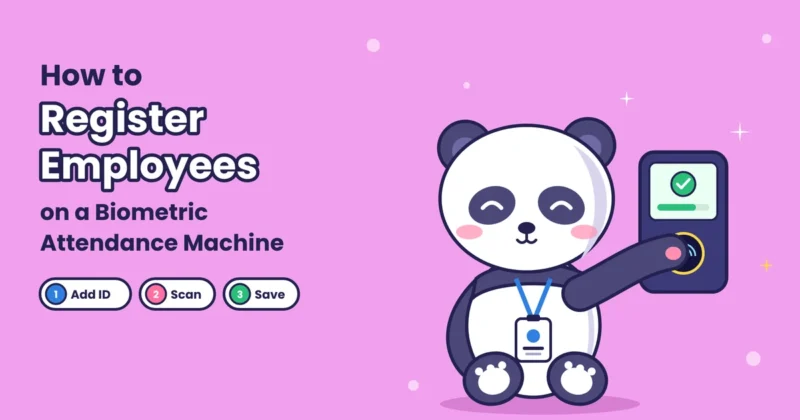
Every employee is registered once. The device scans their fingerprint or face several times and links it to their name and employee ID. This is usually done by HR on the first day.
Step 2. Creating a Template
Most systems do not store a full photo of the fingerprint or face. The software picks out key points, such as the ridges and endings of a fingerprint or the distance between eyes, nose and mouth, and turns them into a digital code called a template. This template is what gets saved.
Step 3. Daily Scan and Matching
When the employee arrives, they scan again. The device creates a fresh template and compares it with the saved ones. If it finds a match, the employee is identified within a second or two.
Step 4. Recording the Time
Once matched, the system records the employee’s ID along with the date and time. Many devices also show the name on screen or play a confirmation sound so the employee knows the punch was accepted.
Step 5. Syncing to Software
The record is sent to the attendance software, either instantly through the internet or at set times. There, it is checked against shift timings, grace time and leave records, so late marks, half days and overtime can be calculated automatically.
Types of Biometric Attendance Systems
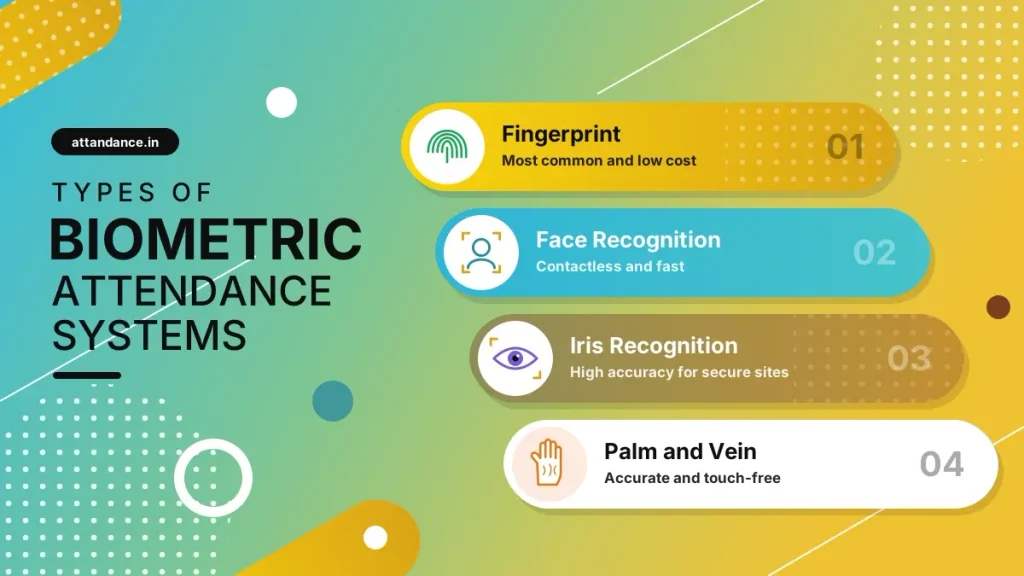
Fingerprint Attendance
Fingerprint devices are the most common and usually the most affordable. They work well in offices and shops. The downside is that worn, dirty or wet fingers, common in construction, kitchens and factories, can cause failed scans. Because everyone touches the same sensor, hygiene is also a concern for some workplaces.
Face Recognition Attendance
Face recognition is contactless. The employee simply looks at the camera, which makes it faster at busy entrances and more hygienic. Modern devices can work with masks or glasses, but very poor lighting may affect accuracy. Face recognition is also available through mobile apps, which is useful for field teams.
Iris Recognition Attendance
Iris scanners read the coloured ring around the pupil. They are highly accurate, but the devices cost more, so they are mostly used in high-security sites rather than regular offices.
Palm and Vein Recognition
Some devices read palm patterns or the veins under the skin. They are accurate and touch-free in many cases, but they are less common in India and usually more expensive.
Benefits of a Biometric Attendance System
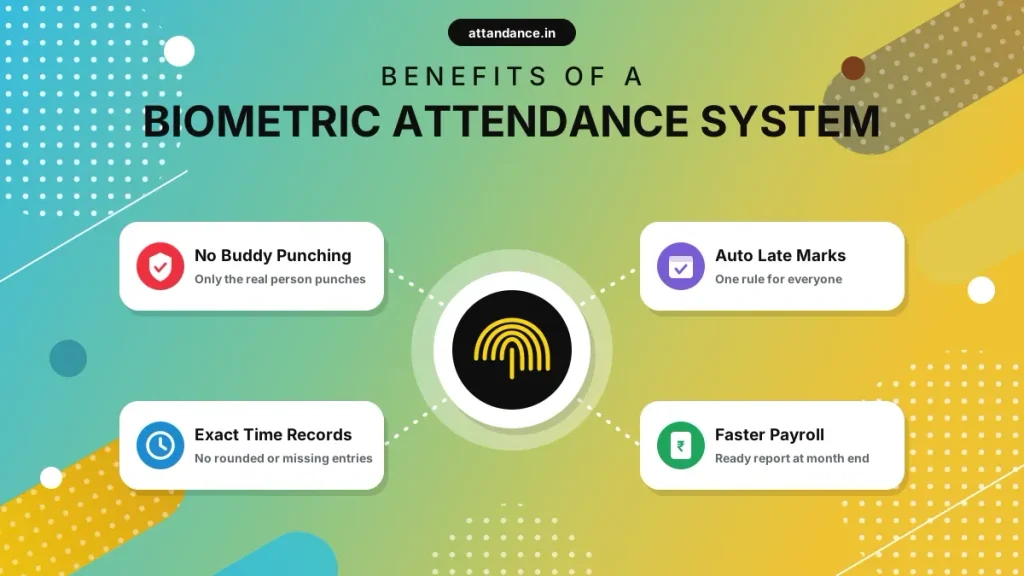
The biggest benefit is ending buddy punching. Since a fingerprint or face cannot be shared like a card or a signature, each record belongs to the person who was actually present. This alone can make a noticeable difference in companies with large teams.
Accuracy is the second benefit. Times are recorded by the machine, not written by hand, so there are no rounded figures, missing entries or late updates. When this data flows into the software, late marks and half days are counted using the same rule for everyone. You can read more about how attendance data connects to other HR work in our attendance management guides.
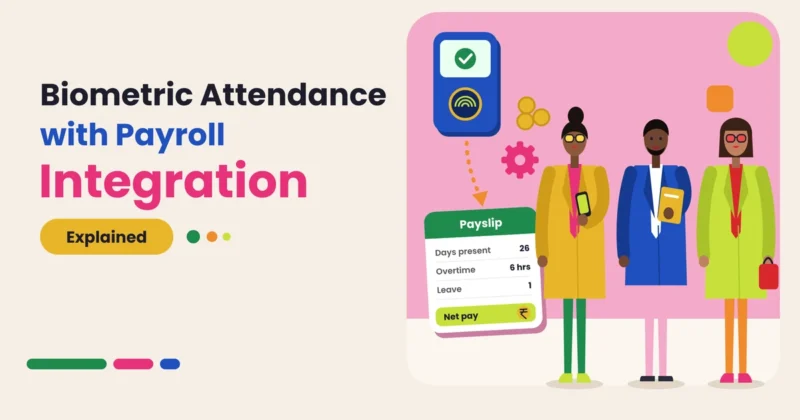
A biometric attendance system also saves time at month end. Instead of matching registers with spreadsheets, HR gets a ready report that can go straight into salary calculation. Overtime, absences and leave are already marked, so payroll errors drop sharply.
Limitations to Keep in Mind
No system is perfect. Fingerprint scanners can struggle with damaged or dirty fingers, and face devices may need good lighting. A standalone device without software still leaves HR exporting and cleaning data by hand. Power cuts or network problems can delay syncing if the device has no backup or offline storage.
Fixed devices also do not suit every team. Sales staff, delivery teams and employees who work at client sites cannot visit a machine at the office every day. For them, mobile attendance with face recognition or GPS is usually a better fit.
Is Biometric Data Safe?
Biometric data is personal data, and employees have a right to know how it is handled. India’s Digital Personal Data Protection framework, with the DPDP Rules notified in November 2025 and rolled out in phases, sets out how organisations must protect personal data.
In practice, this means a business should tell employees what data is collected and why, store it securely, limit who can access it and delete it when it is no longer needed, for example after an employee leaves. Choosing a system that stores templates instead of raw images, encrypts data and controls admin access makes this much easier. Since data protection rules are still being phased in, it is wise to check your exact obligations with a legal expert.
Before vs Now
| Area | Before (Register or Card) | Now (Biometric Attendance System) |
|---|---|---|
| Marking attendance | Signature or card swipe | Fingerprint or face scan in seconds |
| Proxy attendance | Easy to sign or swipe for a colleague | Very hard, since the body itself is the ID |
| Time accuracy | Written by hand and often rounded | Exact time recorded by the device |
| Late marks | Checked manually by supervisors | Calculated automatically from punch time |
| Month-end work | Registers matched with spreadsheets | Ready report for payroll |
| Hygiene | Shared pen or register | Contactless option with face recognition |
How to Choose the Right Biometric Attendance System
Start with your workplace. A single office with one entrance can use one or two devices, while a factory with shifts may need several devices and faster face recognition to avoid queues at the gate. If your team works in the field, look for a system that also supports mobile attendance.
Next, check the software, not just the machine. The device only captures the punch. The software decides whether late marks, half days, overtime, leave and holidays are handled correctly. Look for cloud access, simple reports, employee self-service and easy export for payroll. Because attendance feeds directly into salary, our payroll and working hours guides can help you plan that connection.
Finally, look at data security, after-sales support and total cost. A cheap device without proper software or support often costs more in manual work later.
FAQs
What is a biometric attendance system in simple words?
It is a system that marks attendance using a person’s fingerprint, face or iris instead of a register or card, and records the exact time automatically.
Which is better, fingerprint or face recognition attendance?
Fingerprint devices are usually cheaper and work well in offices. Face recognition is contactless and faster at busy entrances, and it suits workplaces where fingers get dirty or worn.
Does a biometric attendance system store my fingerprint photo?
Most systems store a digital template made from key points of the fingerprint or face, not a full image. Check the vendor’s details to confirm how data is stored.
Can biometric attendance work without the internet?
Many devices store punches offline and sync them when the connection returns. Ask the vendor about offline storage before buying.
Is a biometric attendance system suitable for small businesses?
Yes. Basic fingerprint devices are affordable, and many small businesses also use mobile face recognition apps, which need no extra hardware.
Final Thoughts
A biometric attendance system identifies employees by a unique physical feature, records the exact time of each punch and sends that data to software that applies your attendance rules. It stops proxy attendance, removes manual errors and makes month-end payroll much faster. The right choice depends on your workplace, the quality of the software and how well the system protects employee data.
If you want biometric-style accuracy without a heavy setup, Attendi lets employees mark attendance through the app, applies your late and half day rules automatically and prepares reports for payroll. You can try it with a 7-day free trial.